
.png)



Description
Download Google Song Maker – free online music creation tool
Overview
Google Song Maker is a browser‑based, completely free music‑making app that lets anyone – from curious kids to seasoned hobbyists – craft catchy melodies in just a few clicks. Powered by the same web technologies that run Google’s suite of online tools, Song Maker offers an intuitive grid where you place notes, select instruments, and choose beats. The interface is deliberately simple: three melodic instruments (piano, synth, and organ), two rhythmic patterns (drum loops), and a single key signature that guarantees every composition sounds harmonious. Because the app runs in Chrome, Edge, Firefox, or Safari, there’s no need to install heavyweight software; you simply open the web page, start clicking, and hear instant playback. The result is a surprisingly addictive “time‑waster” that also doubles as a quick sketchpad for musical ideas. Whether you’re looking to relax during a break, teach basic rhythm to a child, or prototype a hook for a larger project, Google Song Maker delivers a secure, ad‑free experience without demanding any registration.
Key Features
- Instant browser access: No download required; launch directly from any modern web browser.
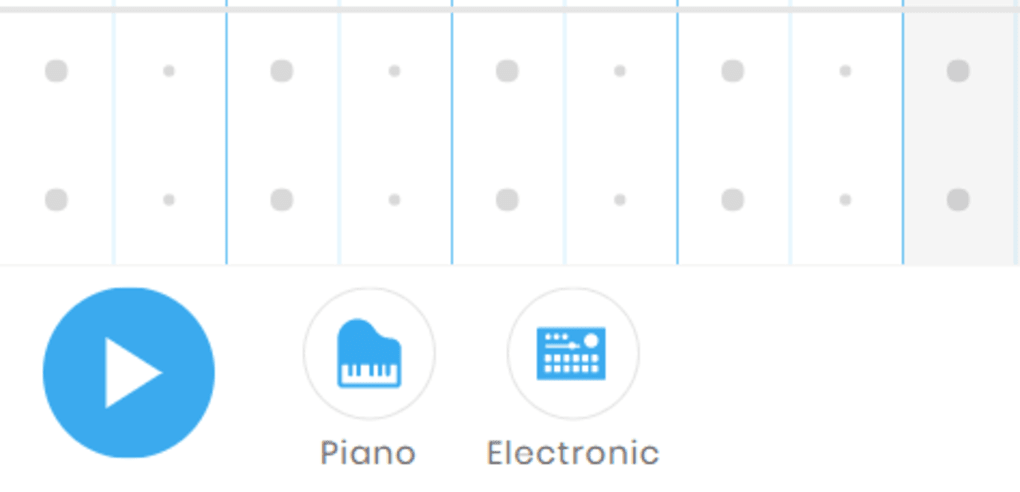
- Three instrument families: Piano, synth, and organ sounds give you tonal variety while staying within a single key.
- Two rhythmic loops: Choose between a simple kick‑snare pattern or a more syncopated beat to drive your melody.
- Grid‑based composition: Click on squares to place notes; drag to adjust length, and instantly hear changes.
- Single‑key safety net: All notes are tuned to the same key, ensuring every creation sounds musically coherent.
- Export options: Download your composition as a MIDI file or share a direct link for collaborative fun.
- Responsive design: Works equally well on desktop monitors and tablet screens, making it perfect for on‑the‑go creativity.
- Free and ad‑free: Google provides the tool at no cost and without intrusive advertising.
Installation, Usage & Compatibility
How to start
Getting started with Google Song Maker is as simple as typing “Google Song Maker” into your search engine and clicking the first result. The app loads within seconds because it’s hosted on Google’s fast CDN. There is no installer, no sign‑up, and no permissions required – just a clean canvas ready for you to fill.
Step‑by‑step usage guide
- Open the web app: Navigate to the URL (usually
https://musiclab.chromeexperiments.com/Song-Maker/). - Select your instrument: Use the dropdown on the left to choose piano, synth, or organ.
- Pick a beat: Click the rhythm icon to toggle between the two built‑in drum loops.
- Place notes: Click any square in the grid to add a note; drag horizontally to extend its duration.
- Play back: Press the play button at the top or hit the spacebar to hear your composition.
- Edit on the fly: Remove notes by clicking them again, or use the “undo” arrow to revert mistakes.
- Export: Click the “Export” button to download a MIDI file or copy a shareable link.
Supported operating systems
Google Song Maker runs on any device with a modern browser, including Windows 10/11, macOS Ventura and later, Chrome OS, Android 8.0+ (via Chrome), and iOS 13+ (via Safari or Chrome). Because it’s a web app, performance is tied to the browser’s JavaScript engine rather than the OS, ensuring smooth playback even on modest hardware.
Security and updates
The tool is hosted on Google’s secure servers, which means data transmission is encrypted (HTTPS). Updates are pushed automatically; you’ll always be using the latest version without having to refresh manually. Google also respects user privacy – no personal data is stored unless you choose to share a link.
Pros, Cons & Frequently Asked Questions
Pros
- Completely free with no hidden costs.
- Zero‑install, instantly accessible from any browser.
- Intuitive grid interface ideal for beginners.
- Single‑key design guarantees every track sounds musical.
- Exportable MIDI files enable further editing in professional DAWs.
- Responsive layout works on tablets and smartphones.
Cons
- Limited to three instrument sounds and two drum loops.
- No advanced editing features (e.g., velocity control, effects).
- Cannot save projects locally without exporting.
- Requires an internet connection for first load (offline mode not supported).
FAQ
Is Google Song Maker really free?
Yes. The tool is provided by Google at no charge and does not display ads or require a subscription.
Can I use Song Maker offline?
Currently the app needs an initial internet connection to load the JavaScript files. Once loaded, some browsers allow limited offline use, but full functionality (especially exporting) requires a connection.
What file format does the export use?
Exports are provided as standard MIDI (.mid) files, which can be opened in most digital audio workstations for further editing.
Does the app work on mobile browsers?
Yes. The responsive design adapts to touch input, allowing you to place notes and adjust beats on Android and iOS devices.
Is there a way to share my composition directly?
After creating a track, click the “Share” button to generate a unique URL that you can send to friends or embed on a website.
Conclusion & Call to Action
Google Song Maker stands out as one of the most approachable music‑creation tools available on the web today. Its free, secure, and instantly accessible nature removes every barrier between you and a catchy tune. Although power users may miss deeper editing controls, the app’s single‑key safety net and export‑ready MIDI output make it a solid stepping stone toward more sophisticated software. If you’re looking for a quick, enjoyable way to waste a few minutes—or to sketch the seed of a future hit—click the link below, start laying down blocks, and let the simple magic of Google’s browser‑based studio spark your creativity.
Start creating with Google Song Maker now – download instantly and play for free!
Guides & Tutorials for Google Song Maker
How to install Google Song Maker
- Click the Preview / Download button above.
- Once redirected, accept the terms and click Install.
- Wait for the Google Song Maker download to finish on your device.
How to use Google Song Maker
This software is primarily used for its core features described above. Open the app after installation to explore its capabilities.
User Reviews for Google Song Maker 0
No reviews found




